Software drives the hardware improving our physical world.
The brightest future depends on the tools we use.
Engineering flow by design
Deployment, editable geometry, handoff, and repetitive drafting stay in one browser CAD flow backed by a server-side kernel.
Thin-client workspace
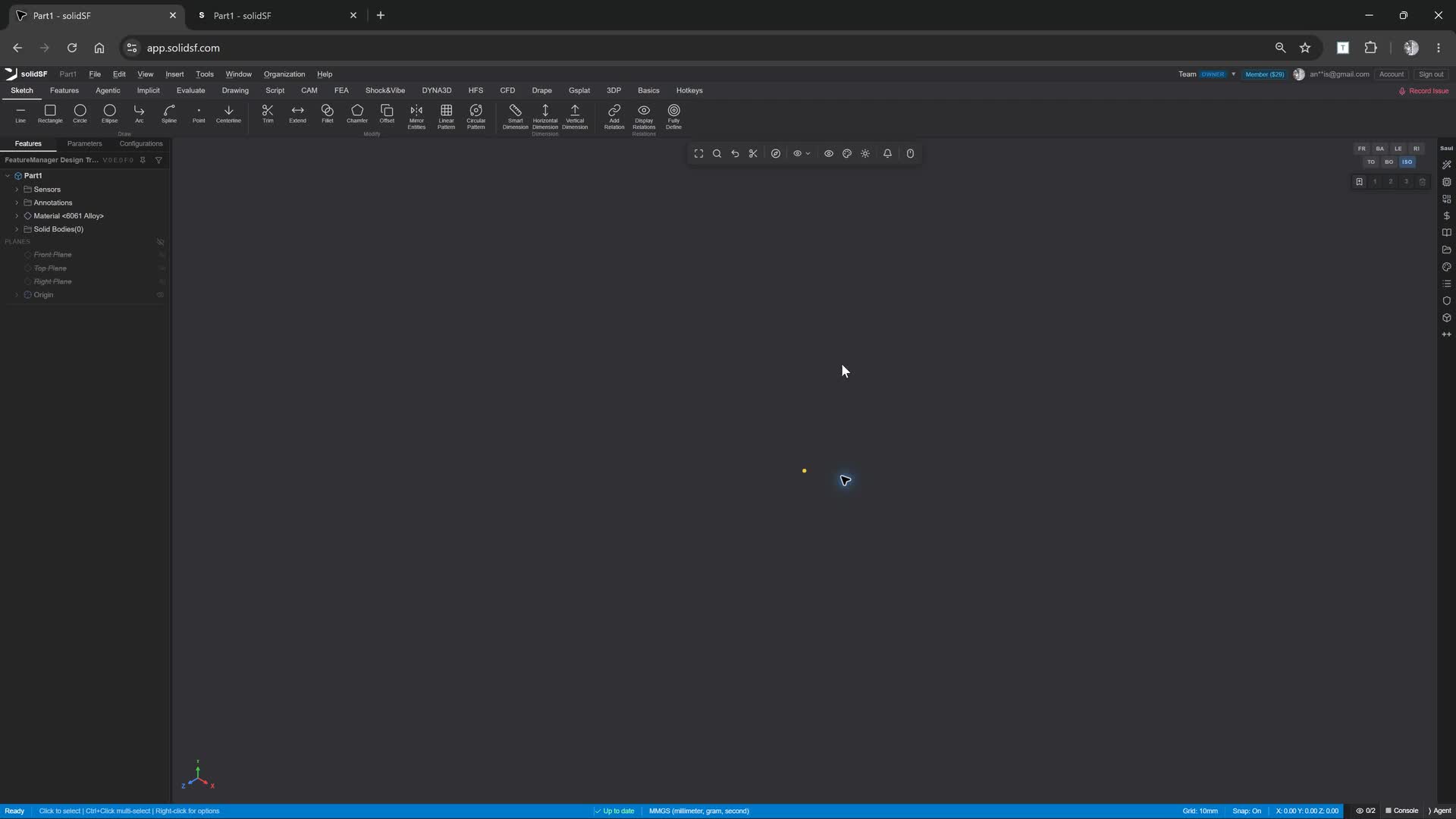
Send a link instead of a setup guide. The client renders with WebGPU while geometry edits run through the server-side Rust kernel.
Protected server-side Rust CAD kernel
Sketches, constraints, feature history, analytic surfaces, and solid operations stay editable in the native kernel.
CAM, drawings, and PDM together
Drawings, CAM, revisions, locks, part numbers, and where-used stay attached to the model.
Bryan calls real CAD tools
Bryan creates sketches, edits dimensions, makes drawings, and preps CAM through typed workspace operations.
Full assemblies, drawings, and POV refinement.
The dune buggy V3 proof package shows Bryan producing reviewable hardware work: assembly structure, mates, BOM, drawings, COTS evidence, visual QA, and release gates.
Dune Buggy V3 is the bar
399 saved components, 478 mates, 589 BOM nodes, 42 drawing specs, 131 COTS proof cards, and a product gate with 0 failed rows.
Refine from real viewpoints
Exterior, interior, underside, cubemap, and service-access sweeps catch floating parts, hidden missing brackets, weak sources, and release blockers.
Honest representation classes
Native where it must be made; sourced envelopes where it must be bought; explicit exceptions where the package is not done.
Frequently asked questions
What can I build in solidSF?
Are drawings included?
What manufacturing tools are built in?
How does SolidWorks migration work?
What does Vault/PDM cover?
What can Bryan control?
What platform support do I need?
Is CAE or simulation included?
How do teams and enterprise deployments work?
Is work private by default?
What does it cost?
Is there an API or scripting surface?
Open the workspace
Start in the real product at app.solidsf.com.